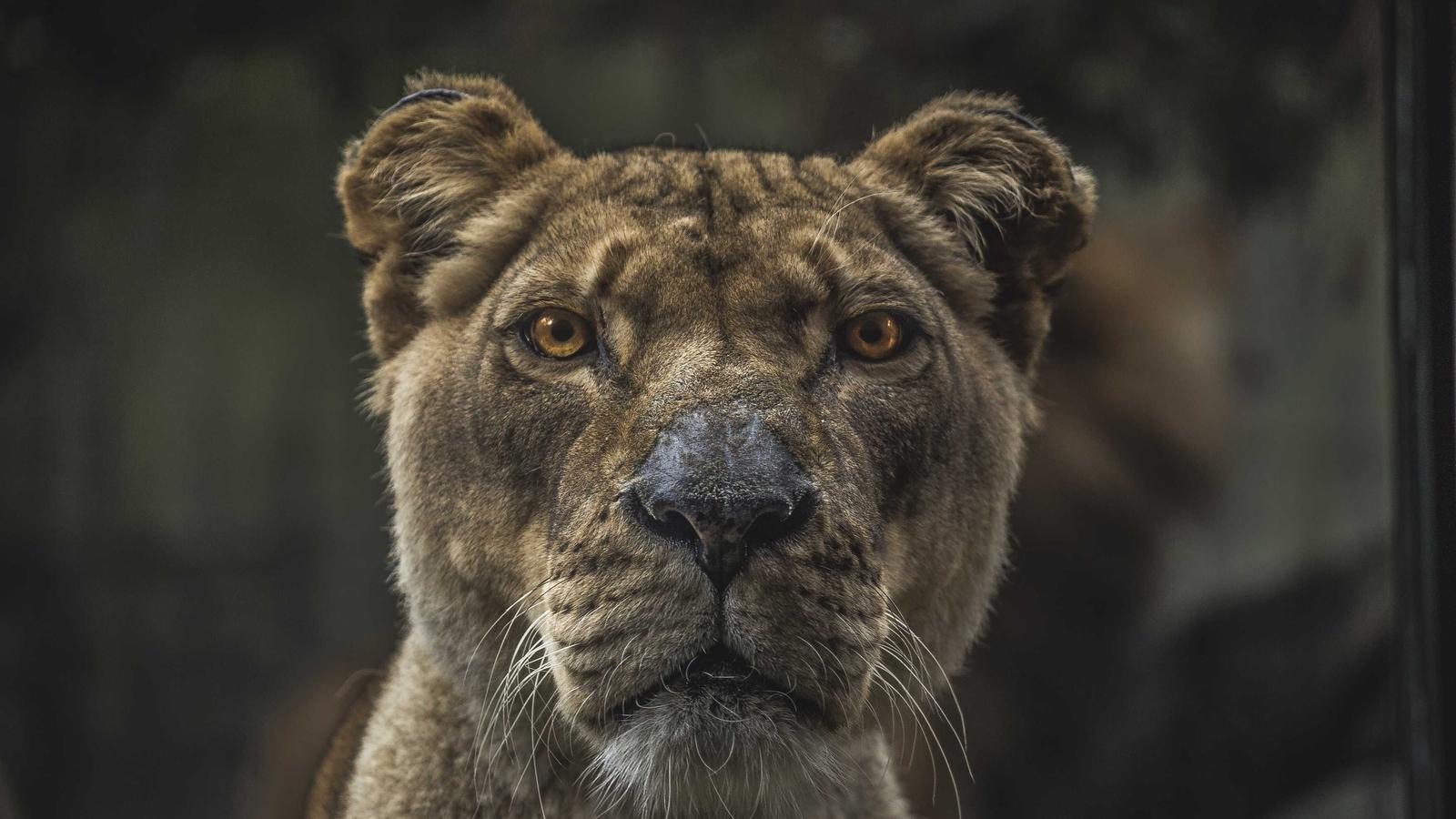
Knight Cat AI Video in Shining Armor
Upload a clear photo of your cat and get a knight cat AI video: your cat in shining armor, holding a small sword in a castle courtyard while banners move in the wind.
This effect uses its own preset, so there is nothing to type: add the photo and press Generate.
If it fails or is rejected, nothing is used up.
1 free video today, no sign-up
- Failed or rejected costs nothing
- Commercial use on paid plans
- Photos deleted after 7 days
What it is
Your cat as the reference, a castle as the set
This effect uses your photo as a reference, not as the first frame. The model aims to keep your cat's coat, markings and face, and builds a new scene around it: knight armor, a small sword, a castle courtyard, banners in the wind and a slow camera push-in in cinematic light.
It runs on the Standard tier, MiniMax H3 at 768p, so the clip comes with sound the model makes to match the scene.
A good input is one cat, sharp and well lit, with its face and most of its body visible. A cat that fills much of the frame gives the model more to copy than a small cat in a busy room.
How it works
How to make the knight cat video
- 1Pick a clear photo of your cat
One cat, in focus, face visible. JPG, PNG, WebP or HEIC up to 10 MB.
- 2Upload it
Confirm the photo is yours to use. It becomes the reference, and the preset brings the armor and the castle, so there is no prompt to write.
- 3Choose the length
5 seconds, or 10 on a paid plan or credit pack. The Generate button shows the credits before you start.
- 4Generate and download
Follow the stages on the page, then download the MP4. If it fails or is rejected, the credits come back.
What does not work well
- Unusual markings and patterns can come out simplified, so a very distinctive cat may not match exactly.
- Small, blurry or half-hidden cats give the model too little to copy.
- Several pets in one photo can merge into one knight. Crop the photo to the cat you want.
Credits
What a video costs on this page
The number is on the Generate button before you press it. A failed or rejected video is never charged.
| Tier | Model | Sound | Resolution | Length and credits |
|---|---|---|---|---|
| Standard | MiniMax H3 | Yes | 768p | 5 s: 4, 10 s: 8 |
VividHour is an independent product, not affiliated with Google, MiniMax, Alibaba, Runway or other model providers. Plans and credit packs
FAQs about Knight Cat
Is the knight cat AI video free?
No. It needs the Standard tier, which can work from a reference photo; the free daily video runs on the Fast tier, which cannot. A 5-second clip is 4 credits and a 10-second clip is 8. See pricing.
Will it look like my cat?
It aims to. The model copies what it can see in the photo, so a sharp, well-lit shot with the face visible matches best. Results vary between runs.
Does it work with dogs or other pets?
It is built for cats. The preset describes a cat, so a dog or a rabbit may come out looking odd, or more like a cat.
Does the video have sound?
Yes. Standard clips come with sound the model generates to match the picture. No music is added.
Can I use it commercially?
Yes, if you make it on a paid plan or with a credit pack. Only upload photos you have the right to use.
Why was my photo rejected?
Every photo is checked before generation, and the reason is shown on the page. A rejected video uses no credits. The content rules list what is refused.
Related